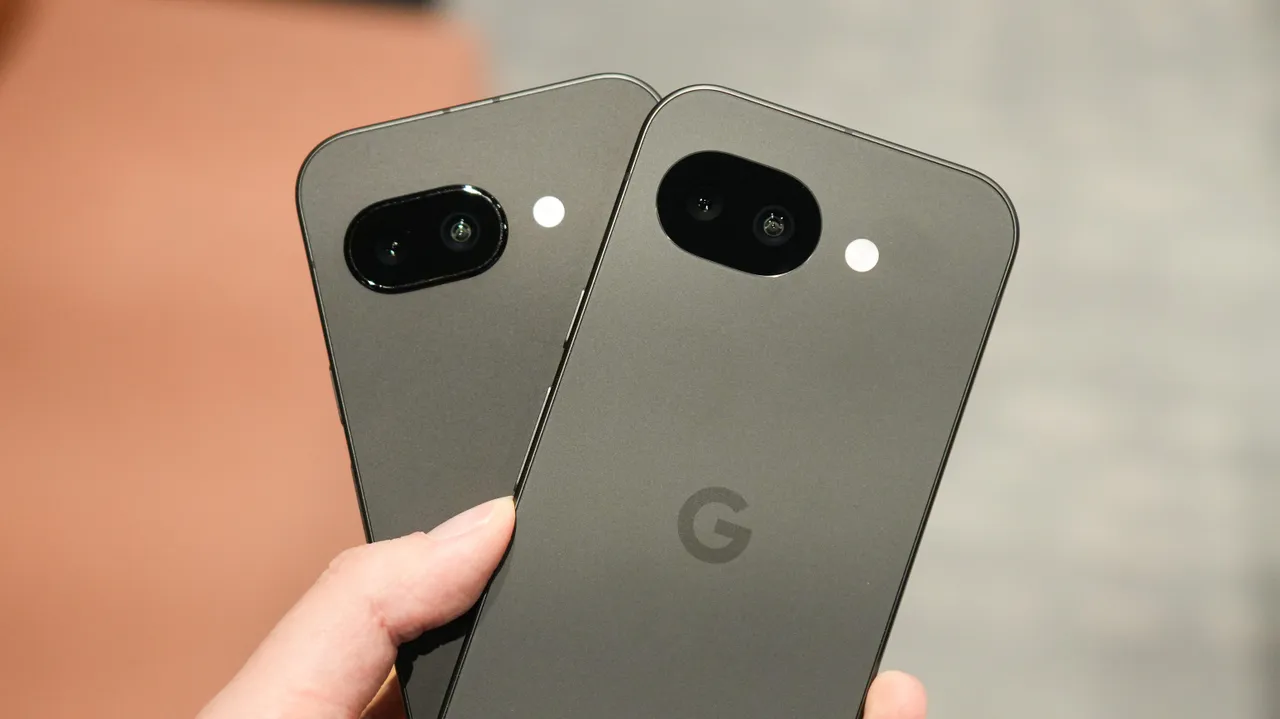
The Google Pixel 10a has arrived with a familiar hardware setup but refreshed software features that aim to enhance the overall user experience. While it shares the same core camera hardware as the Pixel 9a, Google is differentiating the 10a through intelligent software additions like Camera Coach, Auto Best Take, and Display P3 support for captured images. In this hands-on review, we explore whether these new features make a meaningful difference and how the Pixel 10a compares to its predecessor in real-world usage.
Highlights of Google Pixel 10a
| Feature | Details |
|---|---|
| Model | Google Pixel 10a |
| Processor & Core Hardware | Similar to Pixel 9a |
| New Features | Camera Coach, Auto Best Take |
| Color Support | Display P3 for captured images |
| Main Camera Quality | Detailed and color-accurate |
| 2x Digital Zoom | Decent but inconsistent color |
| Ultra-Wide Camera | Soft images, average color accuracy |
Design and Hardware Overview
Google Pixel 10a maintains almost identical hardware to the Google Pixel 9a. The design language remains clean and minimal, consistent with Google’s A-series lineup. Since there are no major hardware changes, the real focus shifts to software enhancements that promise better photography and usability.
For users upgrading from older Pixel A-series devices, the Pixel 10a still offers a balanced combination of performance and camera reliability.
New Software Features: Smarter Photography
The biggest upgrades in the Pixel 10a come in the form of software-driven camera improvements.
The new Camera Coach feature provides step-by-step guidance while taking photos. It suggests adjustments like framing, angle, and lighting tips to help users capture better images. This is particularly useful for casual users who want professional-looking results without manual tweaking.
Another addition is Auto Best Take, which automatically selects the best facial expressions from multiple shots taken around the same time. This feature is especially helpful for group photos, ensuring everyone looks their best without retakes.
The Pixel 10a also introduces Display P3 color support for captured images. While images are shown in default sRGB mode, enabling P3 can provide richer color volume. However, in practical use, the difference is subtle and not always dramatic.
Camera Performance Comparison
When compared side-by-side, the image quality between the Pixel 10a and Pixel 9a shows no major differences. The main camera on both devices delivers sharp images with good detail and generally accurate colors.
The 2x digital zoom mode also performs similarly on both phones. While usable, it sometimes struggles with color accuracy. In certain scenarios, images tend to appear cooler than expected, resulting in slightly inaccurate color temperatures. Despite this, the 2x zoom remains practical for everyday photography.
The ultra-wide camera, however, continues to be the weaker link. Images can appear soft, and color accuracy is inconsistent. Noise may also be visible in some conditions. That said, having an ultra-wide lens is still beneficial, especially when compared to devices like the iPhone 16e and iPhone 17e, which lack this feature.
Display and Color Performance
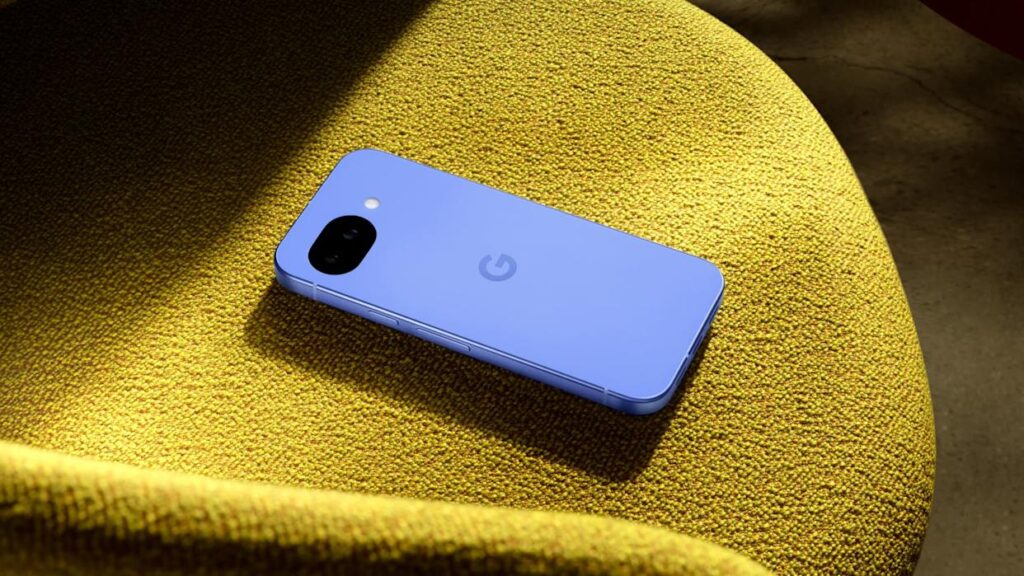
The addition of Display P3 support enhances the color range in supported environments. While not a groundbreaking change, it aligns the Pixel 10a more closely with premium Pixel 10 models. Users who value richer and more vibrant colors may appreciate this enhancement, especially when viewing photos on compatible displays.
Also read: HMD Luma Launched
Overall Verdict
The Google Pixel 10a hands-on experience confirms that this is a refinement rather than a revolution. With unchanged hardware and familiar camera performance, the device relies on intelligent software features to stand out. Camera Coach and Auto Best Take add convenience, especially for everyday users.
If you already own the Pixel 9a, the upgrade may not feel significant. However, for new buyers seeking reliable camera quality with smart AI features, the Pixel 10a remains a strong contender in the mid-range smartphone market.
Important Links
| Resource | Description |
|---|---|
| Official Google Store | Product details and purchase options |
| Pixel Support Page | Software updates and troubleshooting |
| Pixel Camera Guide | Tips for using Camera Coach and features |
FAQs About Google Pixel 10a
Q1: Is the Google Pixel 10a camera better than the Pixel 9a?
In terms of hardware, both phones are nearly identical. The Pixel 10a adds software features like Camera Coach and Auto Best Take, but overall image quality remains similar.
Q2: What is Display P3 support in Pixel 10a?
Display P3 is a wider color gamut that allows richer and more vibrant colors in supported environments.
Q3: Is the ultra-wide camera on Pixel 10a good?
The ultra-wide camera is average. It produces usable images but struggles with softness and color accuracy in some situations.